 Safe Church
. Spot the hazards before something happens.
In Safe Church, a safety bear guides you through a parish and shows 27 hazards in eight learning rooms – right in the browser, without an account.
Start Safe Church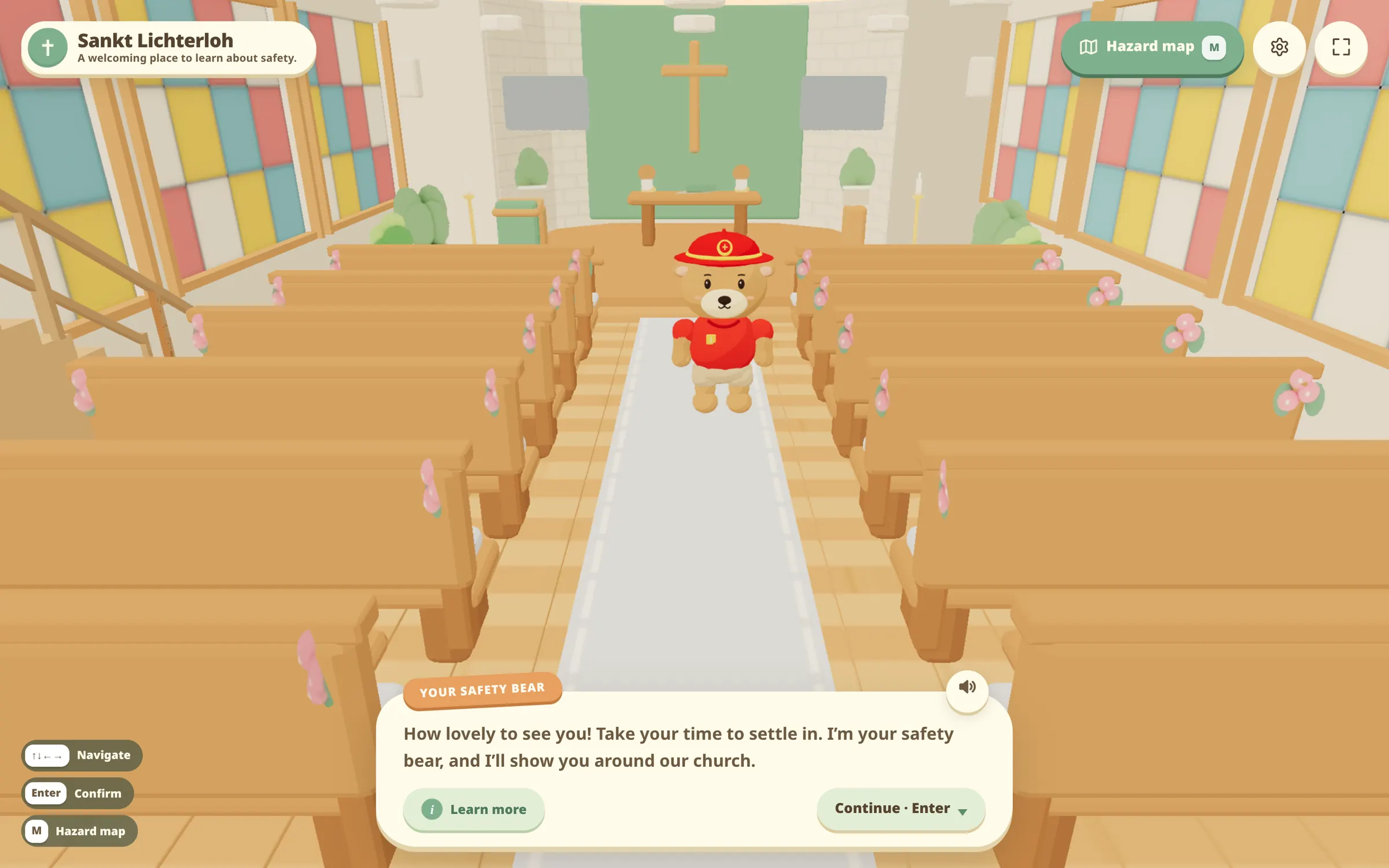
A bear shows what matters.
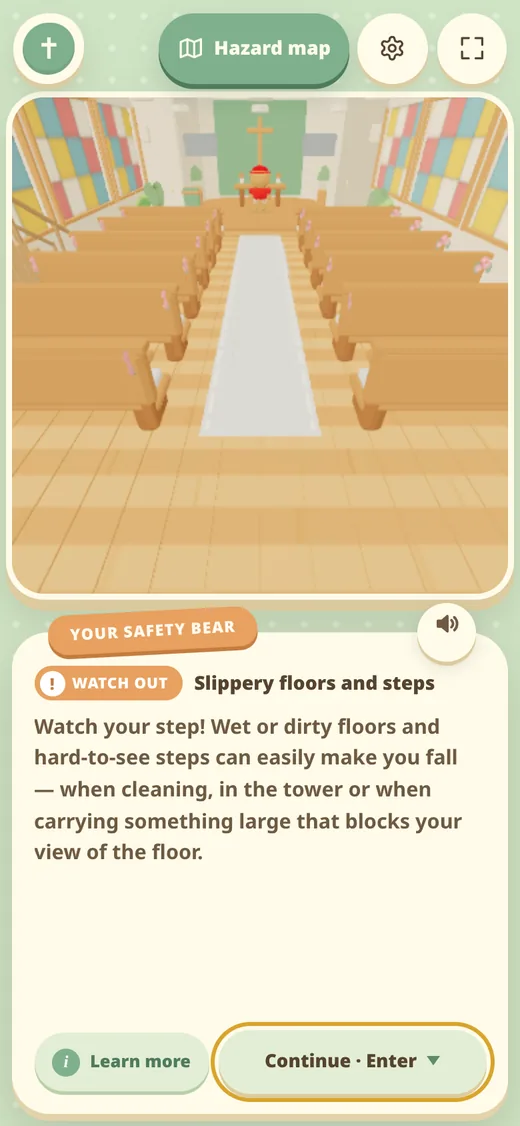
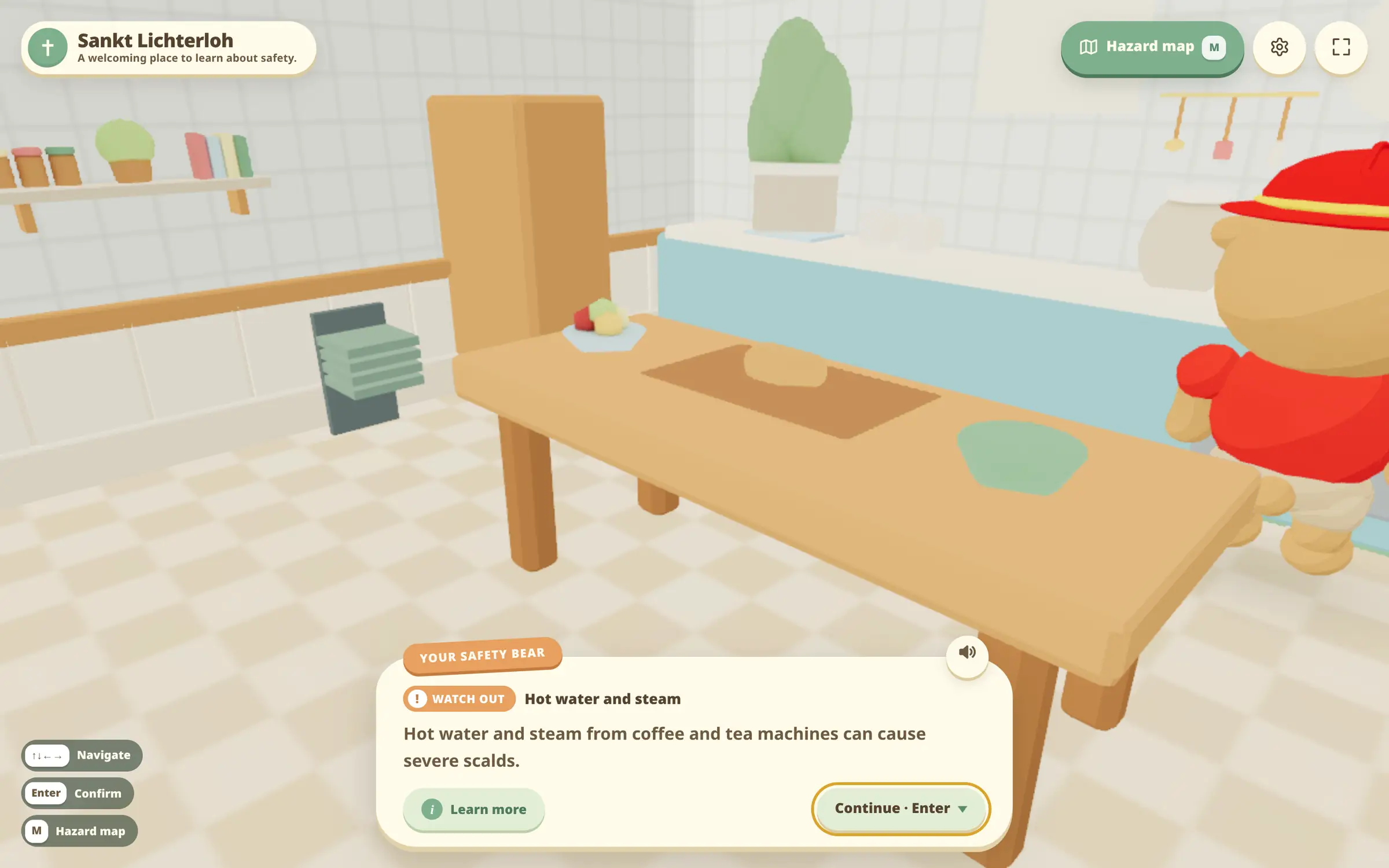
The safety bear walks to each hazard, shows it in a short scene and explains how to avoid it. If you want to know more, open the detailed explanation.
-
Choose a spot
Tap a learning spot on the hazard map or follow the guided tour.
-
See the hazard
The bear walks there and shows the situation in three short steps.
-
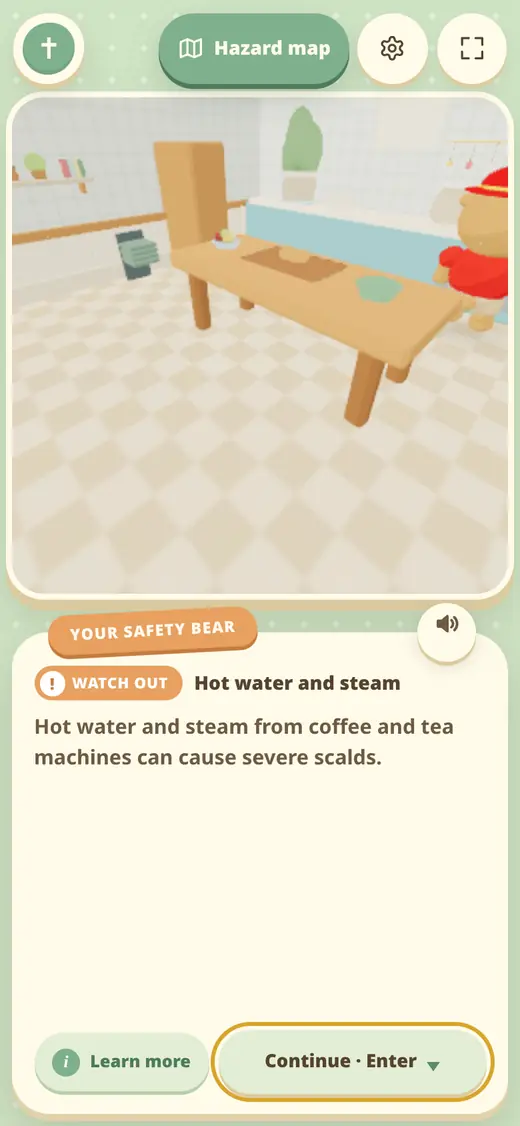
Learn to avoid it
A short explanation of what can happen and what to do about it.
-
Move on
The bear asks where you would like to go next.
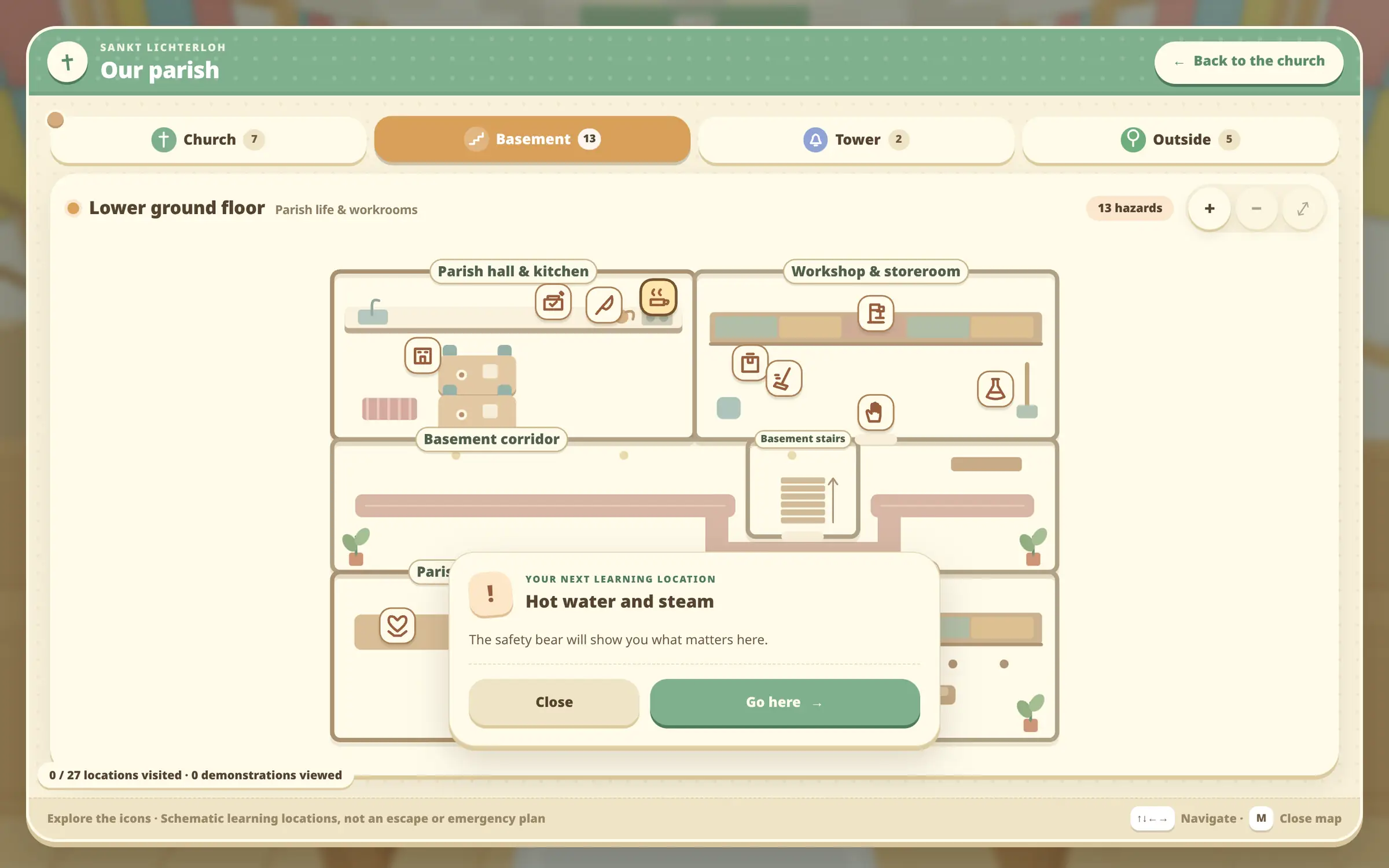
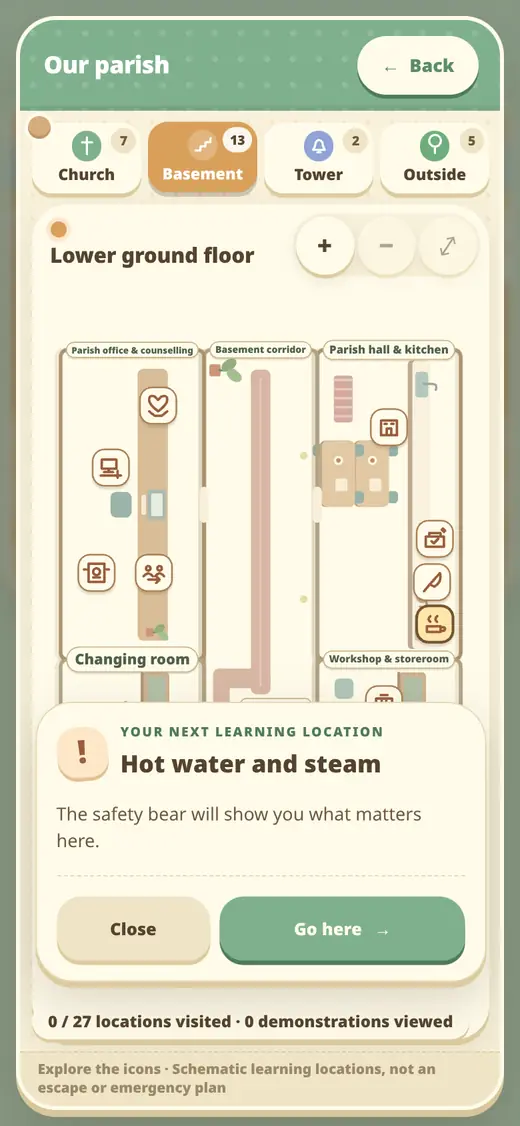
From the basement to the bell tower.
The hazard map groups every learning spot by area. Visited spots stay marked.
- Church
- Church and entrance · 7 learning spots
- Basement
- Parish life and workrooms · 13 learning spots
- Tower
- Music and bells · 2 learning spots
- Outside
- Garden and events · 5 learning spots
What Safe Church is – and what it is not.
- No account, no installation
- Sankt Lichterloh runs in the browser. Mouse, touch, keyboard and gamepad are supported.
- No test, no score
- There are no exam questions. Only the spots you have visited are saved – locally in your browser.
- Not a formal briefing
- Safe Church raises awareness. It does not replace a risk assessment or an on-site safety briefing.
Fire safety for buildings: BrandSicher.
BrandSicher is separate software by StaBe GmbH. It organises fire safety for buildings: floor plans, equipment, inspections and actions in one building record.
Discover BrandSicher
Frequently asked questions
What do I need to use Safe Church?
A current browser with WebGL2 support. No account or installation is required.
Is my progress saved?
Settings and visited learning spots are stored only locally in your browser. No results are sent to a server.
Is Safe Church accessible?
The settings offer larger text, text speed and reduced motion. It can also be used with a keyboard or gamepad.
Is Safe Church available in German?
Yes. The language switch at the top right takes you to the German version.
Questions about Safe Church or BrandSicher?
Get in touch if you would like to use Safe Church in your parish.
Get in touch